How to Track Brand Mentions in Perplexity (2026): 4 Methods That Actually Work
Perplexity shows sources for every answer, which makes it the easiest AI engine to audit — if you know where to look. Four methods, from a 5-minute manual check to ongoing automated tracking.
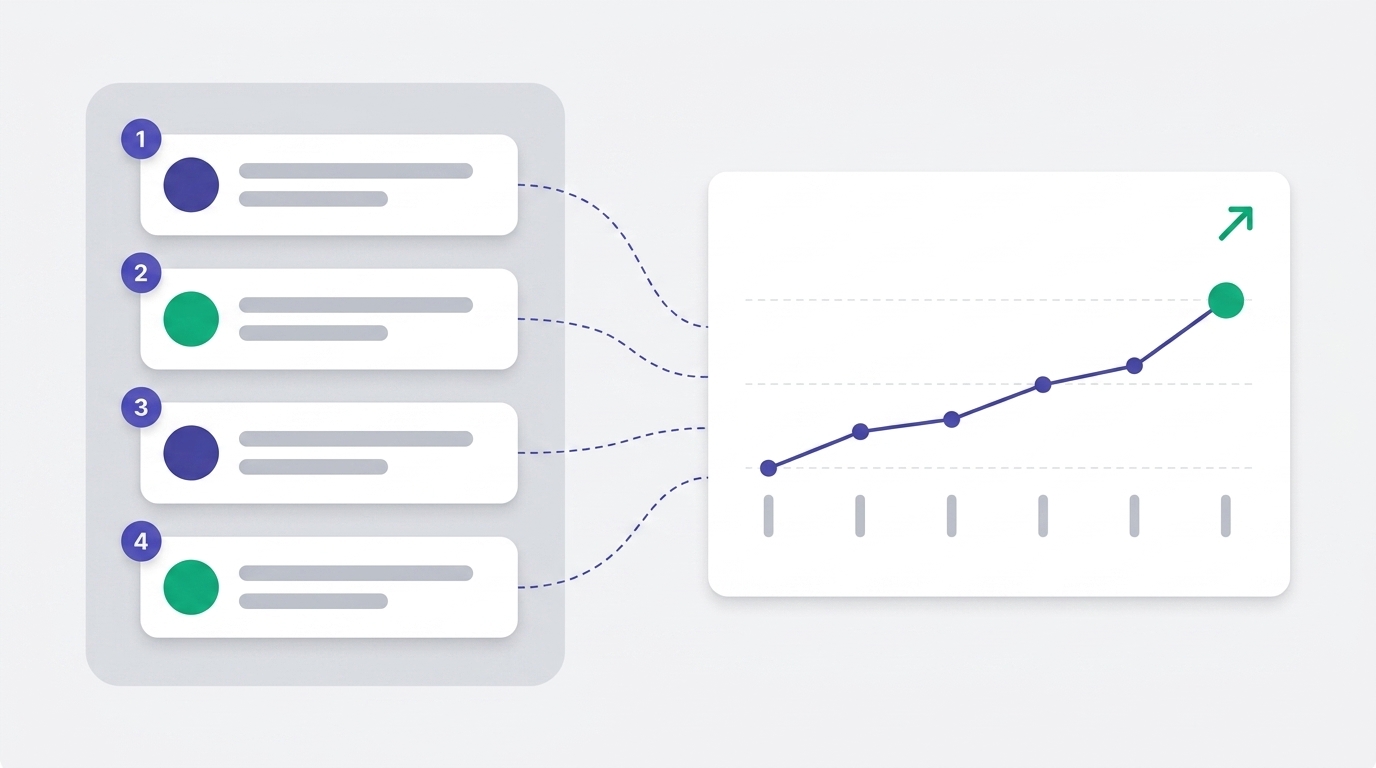
Track Perplexity citations product by product
SearchMention monitors buyer prompts across Perplexity (and ChatGPT / Gemini) and shows which products get cited — and who wins when you don't.
See how SearchMention worksPerplexity is the AI search engine that takes citations the most seriously. Unlike ChatGPT, which often paraphrases without showing sources, Perplexity displays a numbered Sources panel with every answer — every paragraph is footnoted, and users can click through to the page that backed each fact. That visibility is exactly what makes it the most actionable AI engine to optimize for: when you can see the citations, you can measure the citations.
The catch is that Perplexity doesn't give brands a dashboard. There's no "Perplexity Search Console" telling you which prompts cited you, how often, or what your share of voice looks like vs competitors. Tracking it is something you have to set up. This guide walks through the four methods that work in 2026 — the trade-offs of each, exact setup steps, and which combination makes sense for your stage.
The 4 methods, ranked by effort
- Method 1 — Manual prompt testing in Perplexity's UI. Free, 5 minutes per prompt, doesn't scale.
- Method 2 — GA4 referral traffic from
perplexity.ai. Free, catches clicks only, no prompts visible. - Method 3 — PerplexityBot crawl logs via server access logs or a Cloudflare Worker. Free–cheap, shows when Perplexity reads your pages.
- Method 4 — Dedicated AI visibility platforms (SearchMention, Promptwatch, Otterly, Peec). Paid, automates all of the above plus prompts, sentiment, and competitor share-of-voice.
Why Perplexity is different from ChatGPT and Gemini
Before picking a tracking method, it helps to know what makes Perplexity unique — most of the methods below take advantage of these properties:
| Property | Perplexity | ChatGPT / Gemini |
|---|---|---|
| Sources shown by default | Always | Sometimes / often hidden |
| Dedicated crawler | PerplexityBot + Perplexity-User | OAI-SearchBot (ChatGPT) / Google index (Gemini) |
| API returns sources | Yes (sonar model) | No / partial |
| Referrer when users click | perplexity.ai | chatgpt.com / gemini.google.com |
| Refresh rate | Weekly to real-time (Pro Search) | Variable — depends on grounding mode |
The upshot: Perplexity is the most auditable AI engine, so it's also the easiest to optimize for. If you're going to invest in tracking one AI source first, this is the one with the clearest signal.
Method 1 — Manual prompt testing in Perplexity
Cost: free · Setup time: 0 minutes · What you learn: a point-in-time snapshot
The simplest way to know if Perplexity cites you is to open the app and ask. Go to perplexity.ai, type a prompt your buyer would type, and read the Sources panel.
How to do it well
- Make a list of 15–30 real buyer prompts. Not branded queries ("is searchmention.com good?") but the actual questions your buyers would type before they know you exist ("best AI visibility tool for Shopify").
- Run each prompt in Perplexity. Toggle between Quick and Pro Search — Pro Search uses more sources and is what serious researchers use.
- For each result, record: was your domain in the Sources panel? Were you mentioned by name in the answer body? Which competitors were?
- Repeat the same prompts in a few days. Results shift as Perplexity re-crawls and re-ranks. A single snapshot is noisy.
Use Perplexity Spaces or Threads to keep your audit organized. A Space lets you save a thread of prompts and revisit them, which is a lightweight way to build a baseline before you commit to a paid tool.
Limits: doesn't scale beyond ~10 prompts before you burn out, and there's no history — you can't say "we were cited for 'best CRM' six weeks ago but not now."
Method 2 — Track Perplexity referral traffic in GA4
Cost: free · Setup time: 10 minutes · What you learn: clicks from Perplexity (not impressions)
When users click a citation in Perplexity, Google Analytics 4 logs perplexity.ai as the source/referrer. That gives you a real, measurable channel — every visit is a confirmed citation that was compelling enough for a human to click.
Setup in GA4
- Open GA4 → Reports → Acquisition → Traffic acquisition.
- Add a filter: Session source contains
perplexity. This catchesperplexity.ai,perplexity.ai/search/..., and any subdomain. - Optional: do the same for
chatgpt.com,gemini.google.com,copilot.microsoft.comto compare AI sources. - Save the report as a custom view so you can come back to it weekly.
To avoid GA4 grouping AI referrals into "Direct" or "Other", you may need to add Perplexity to your Channel Group manually. Go to Admin → Data Settings → Channel Groups → create a custom group called "AI" with conditions for the AI source domains. Without this, AI referrals can leak into the wrong buckets and look smaller than they are.
Limits: only catches clicks. The majority of AI citations are zero-click — the user reads the answer in Perplexity and never visits your site. GA4 underreports the real citation count by a wide margin. Treat it as a lower bound, not the truth.
Method 3 — Monitor PerplexityBot crawl logs
Cost: free · Setup time: 30 minutes · What you learn: when Perplexity reads your pages
Perplexity uses two distinct user-agents to crawl the web:
PerplexityBot— periodic crawling, similar to Googlebot. Used to build and refresh Perplexity's index.Perplexity-User— real-time fetching, sent at the moment a user asks a question that requires fresh content. If you see this user-agent hit a URL, a real person just asked a question that triggered Perplexity to read that page.
Both signals are useful: PerplexityBot tells you Perplexity knows about your site, and Perplexity-User hits often correlate with active citations. You can capture both from your server logs.
Nginx — find PerplexityBot hits in your access log
# Last 24 hours of PerplexityBot hits
sudo grep -i "perplexity" /var/log/nginx/access.log | tail -100

# Count hits per URL
sudo grep -i "perplexity" /var/log/nginx/access.log \
  | awk '{print $7}' | sort | uniq -c | sort -rn | head -20
Cloudflare Worker — log AI bot hits in real time
If you sit behind Cloudflare, a small Worker can capture every PerplexityBot, Perplexity-User, ChatGPT-User, GPTBot, OAI-SearchBot, and ClaudeBot request and forward them to your logs, a webhook, or a dashboard. We ship one (open source) — see our crawler setup guide for the full snippet.
Limits: tells you Perplexity is reading the page, not necessarily citing it. A high crawl rate is a good sign but isn't proof of visibility. Pair with Method 1 or 4 to confirm citation.
Method 4 — Dedicated AI visibility platforms
Cost: paid · Setup time: 15 minutes · What you learn: ongoing prompts, citations, sentiment, share-of-voice, history
The first three methods give you snapshots. A dedicated AI visibility platform automates all of them and adds the dimension Perplexity itself doesn't give you: history and competitive context. You hand the platform a list of prompts and a list of competitors, and it runs them against Perplexity (plus ChatGPT, Gemini, etc.) on a schedule, tracking every citation over time.
What a platform gives you that the manual methods don't
- Prompt × model matrix. See which prompts cite you in Perplexity but not ChatGPT, and vice versa — that gap usually reveals an indexing or crawler issue.
- Run-over-run deltas. "We were cited on 14 of 30 prompts last week, 11 of 30 this week" — that's the metric you actually plan against.
- Competitor share-of-voice. When Perplexity didn't cite you, who did it cite? That's the most actionable data in the category.
- Sentiment scoring. Did Perplexity describe you favorably, neutrally, or critically? Tone matters as much as the citation itself.
- Page-level attribution (e-commerce only — most platforms don't do this). Which of your product URLs is Perplexity citing? Which products are invisible?
A short list of platforms that track Perplexity well, with their angle:
- SearchMention — the only one with product-level Perplexity attribution for e-commerce stores (Shopify, Magento, WooCommerce). Free scanner to start.
- Promptwatch — broadest model coverage, scrapes Perplexity's UI directly (not just the API).
- Otterly — brand-focused, strong on Perplexity sentiment + content audits.
- Peec AI — strong on integrations (MCP, Looker Studio, REST API) if you want Perplexity data in your BI stack.
A fuller comparison of all of these lives in our 12-tool roundup.
Side-by-side: which method when
| Method | Cost | Setup | Best when | Misses |
|---|---|---|---|---|
| 1. Manual UI check | Free | 0 min | Validating a guess; first audit | History, scale, competitor data |
| 2. GA4 referral | Free | 10 min | Measuring click-through revenue | Zero-click citations (most of them) |
| 3. PerplexityBot logs | Free | 30 min | Confirming Perplexity can reach you | Citations themselves; prompt context |
| 4. AI visibility platform | $29–$200+/mo | 15 min | Ongoing tracking + competitors | Nothing meaningful — this is the full picture |
Realistic stack: methods 1 + 2 + 3 for the first month (free, manual baseline), then add method 4 once you've decided Perplexity is a channel worth measuring weekly.
Start with the readiness scan
Before any of these methods will pay off, Perplexity needs to actually be able to read your site. Our free scanner checks PerplexityBot access, schema completeness, content extractability — and tells you what to fix before you start tracking. No signup.
AI-Readiness Scorecard
Can Google AI Overviews and ChatGPT show this product?
Frequently asked questions
Can I see what prompts caused Perplexity to cite my site?
Not directly. Perplexity doesn't expose the triggering prompt in any analytics. The only ways to know are (1) maintain your own list of buyer prompts and run them against Perplexity on a schedule, or (2) use a dedicated AI visibility tool like SearchMention, Otterly, Peec, or Promptwatch that does this automatically. GA4 tells you Perplexity sent traffic but not which prompt drove it.
What is the PerplexityBot user-agent?
Perplexity uses two crawlers: PerplexityBot (for indexing and training-style crawling) and Perplexity-User (for real-time fetching when a user asks a question that requires fresh content). Allow both in your robots.txt — they're how Perplexity discovers and re-verifies your site.
Does Perplexity show me sources by default?
Yes. Every Perplexity answer includes a numbered Sources panel with clickable citations. That's what makes Perplexity easier to audit than ChatGPT or Gemini — you can see exactly which sites built the answer, and click into each one.
How is tracking Perplexity different from tracking ChatGPT?
Three big differences: Perplexity always shows sources (ChatGPT often hides them); Perplexity has its own crawler (ChatGPT search uses OpenAI's OAI-SearchBot); and Perplexity's API returns sources programmatically, making automated tracking easier. Most dedicated platforms now treat them as separate channels.
Should I block PerplexityBot?
Almost never. Blocking PerplexityBot means Perplexity can't read your content and won't cite you — you're invisible in answers and Pro Search results. The only reasons to block are (a) you have a paywall or proprietary content you don't want included, or (b) you've decided not to compete in AI search at all. For nearly all e-commerce and SaaS sites, allowing PerplexityBot is the correct default.
Next steps
- Run a free AI readiness scan to confirm PerplexityBot can reach your site.
- Read how to rank in AI search for the on-page changes that move citation rate.
- Read the broader guide to tracking citations across ChatGPT, Gemini, and Google AI Overviews if you want the full multi-engine picture.
- Compare the 12 best AI search optimization tools if you decide a paid platform is worth it.